


After you sign in on the KarMuqabla web app, you land on Home. This guide shows how to move around.
Home at a glance
On Home you may see:
- A greeting with your name
- Arenas (subject areas)
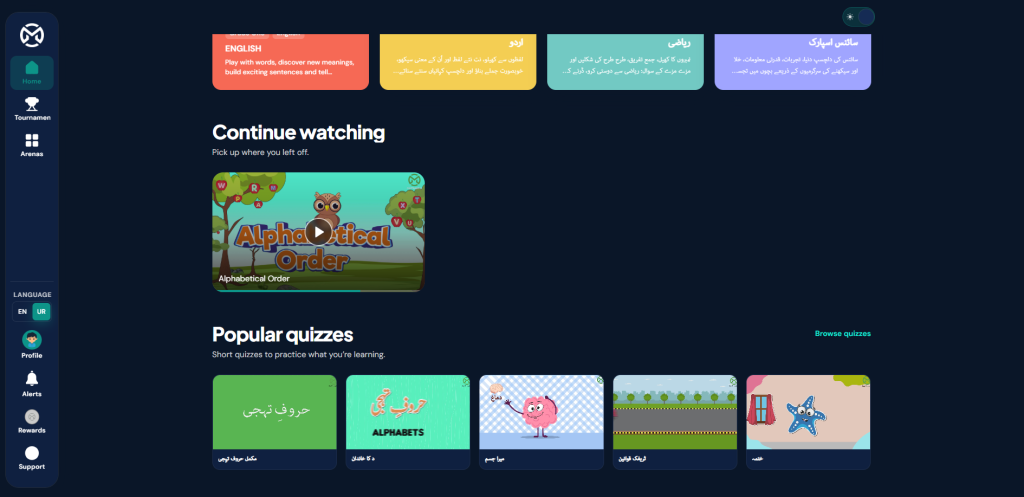
- Continue watching (lessons you started)
- Tournaments you have played
- Popular topics (short quizzes)
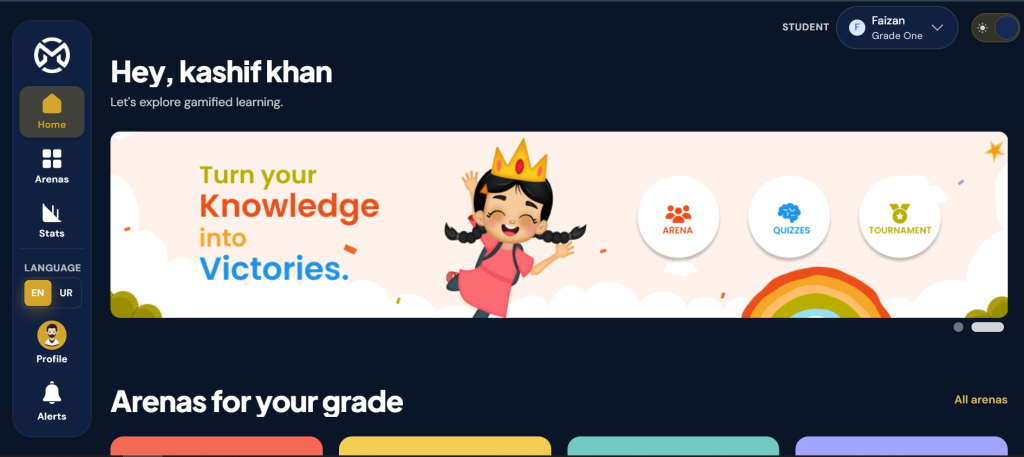
Parents and teachers may also see content for the child or student they selected.
Main menu
Use the menu on the side (desktop) or the menu drawer (phone).
Common items:
| Menu item | What it opens |
|---|---|
| Home | Your main dashboard |
| Tournaments | Games and competitions |
| Arenas | Lessons by subject |
| Stats | Progress reports (mainly parents and teachers) |

Your account menu
Open your profile or account menu to find:
- Your Profile
- My activity
- Leaderboard
- Sign out
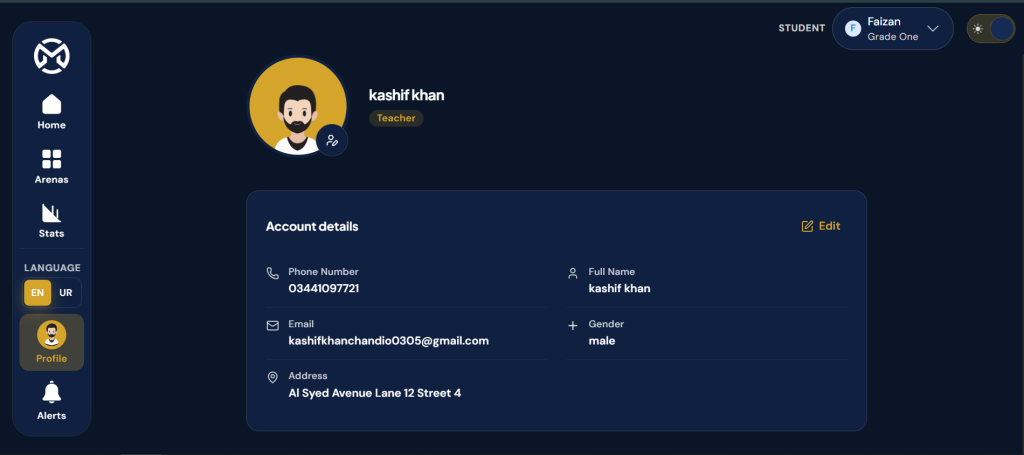
Parents: switch child
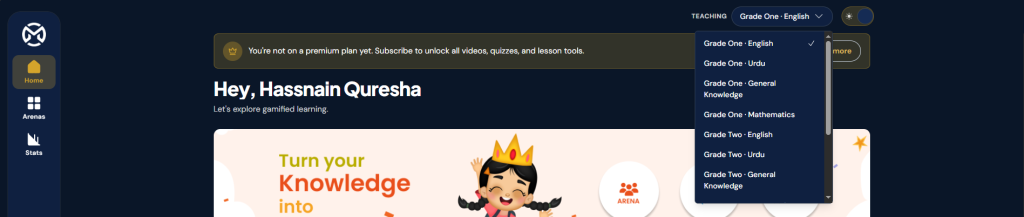
If you have more than one child linked, use the child switcher in the header to pick whose learning you want to see.

Teachers: switch student or class view
Where available, use the student or class controls in the header so the dashboard shows the right learner.
Quick actions from Home
- Tap an arena card, or All arenas, to open subject areas.
- Tap a video under Continue watching to resume a lesson.
- Tap Browse topics (or a popular topic) to open quizzes.
- Tap All tournaments to see more games.
Tip
Spend a minute on Home after every login — it shows where you left off and what to open next.